How to set up a PIN on your library account…
| Click on Account Log In on the top right of this page
|
|
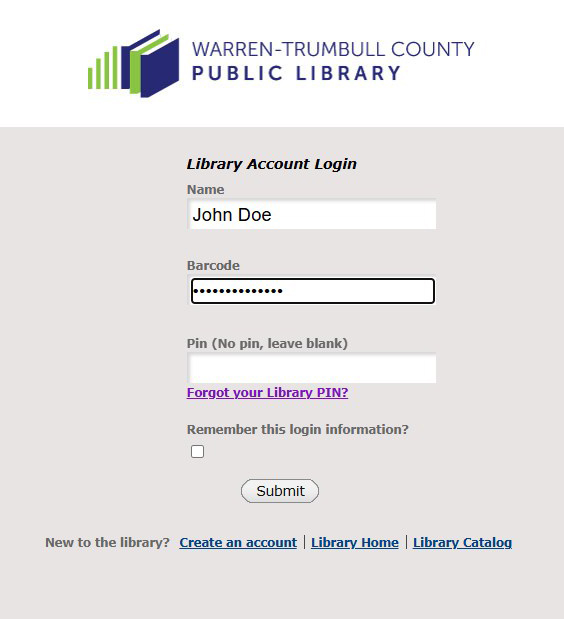
| You should see a screen that looks something like the picture below. Enter your name and your library barcode. Since you don’t have a PIN yet, leave the Pin field blank. Press the submit button.
|
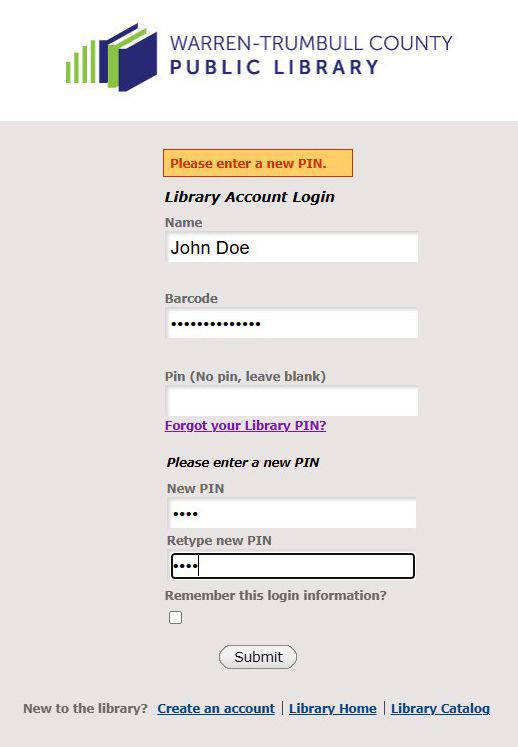
Since you don’t have a Pin, the system will ask you to setup a new PIN. It should be 4 digits (0-9). Enter it twice. Press the Submit button and you now have your Pin set up!
|